1 Ultimate Free Discord Emoji Resizer: Perfect 128x128
Drag and drop your image below to instantly generate the exact 128x128 pixel sizes required by Discord servers.
Cross-Platform Resizer
Instant standard sizes for DISCORD.
Why Your Server Needs a Dedicated Discord Emoji Resizer
If you are a community manager, a gaming guild leader, or a streamer building a Discord server, providing high-quality custom emojis is essential for user retention. However, uploading custom assets to Discord can be incredibly frustrating if you don't use a dedicated Discord Emoji Resizer. The platform enforces strict visual dimensions and extremely aggressive file size limits.
Discord technically allows you to upload larger images and will attempt to auto-resize them on the server side. But trusting Discord's automated downscaling is a risky move. Their algorithms prioritize fast server ingestion over visual fidelity. If you upload a complex logo or detailed art, their server pass will often crush the image, resulting in blurry, pixelated emojis that look terrible in chat. Using a specialized Discord Emoji Resizer ensures you control the final output.
Our free Discord Emoji Resizer is engineered specifically to solve this problem. By using advanced browser-side WebAssembly rendering, we perfectly downscale your artwork while preserving sharp edges, vivid colors, and transparent backgrounds. Your emojis will look incredibly crisp, elevating the professional feel of your entire Discord server.
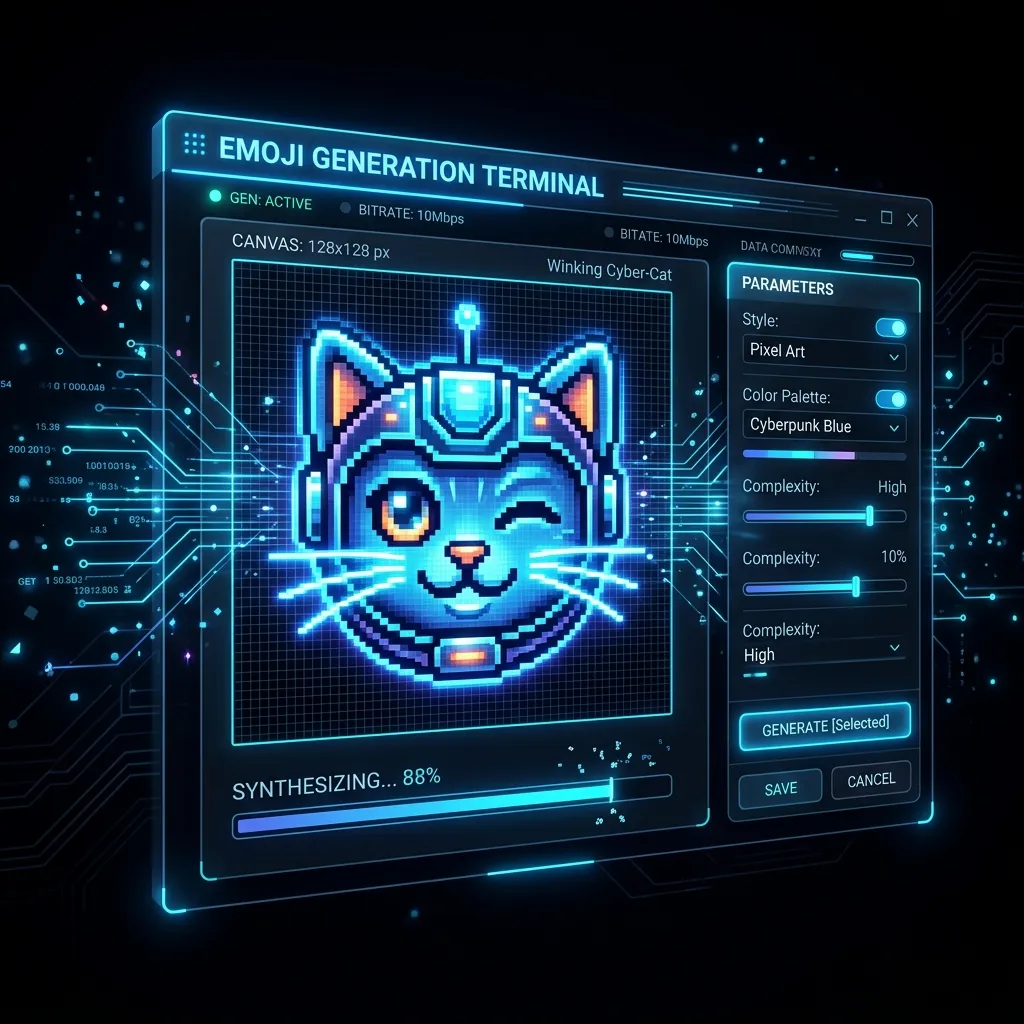
The Danger of Discord's Server-Side Compression
Why shouldn't you just let Discord resize your image? Because Discord handles millions of image uploads every single hour. To save on bandwidth and storage costs, they apply highly aggressive compression algorithms. If you upload a 2000x2000 image, they will rapidly compress it down, often using bicubic or nearest-neighbor algorithms that destroy text legibility and delicate linework.
Furthermore, Discord's auto-resizer often completely misinterprets PNG transparency channels. If you have a subtle glowing neon effect or a soft drop shadow, their system might flatten it against a dark gray background, leaving ugly white borders around your character. A dedicated Discord Emoji Resizer processes the transparency correctly, ensuring flawless alpha channels.
By running your community art through a Discord Emoji Resizer first, you guarantee that what you upload is completely untouched by Discord's destructive compression. It is the only way to maintain total control over your server's visual branding.
How Our Free Discord Emoji Resizer Works
Our Discord Emoji Resizer operates 100% locally within your own web browser. This means your private server branding, unreleased artwork, and custom memes are never uploaded to any remote server or third-party cloud database. It uses the native HTML5 Canvas API to read your image data and safely scale it down cleanly.
The software captures the image data, injects it into a virtual 128x128 bounding box, and programmatically instructs your computer's own graphics engine to recalculate the pixels. This ensures a level of sharpness that Discord's remote servers simply do not care to achieve. This is exactly why a local Discord Emoji Resizer is indispensable for top-tier community managers.
Mastering the Dimensions: The 128x128 Standard
To truly utilize a Discord Emoji Resizer effectively, you must understand the platform's infrastructure constraints. Discord requires custom emojis to be a specific square dimension to fit within their highly compact chat interface while still looking crisp on Retina mobile displays.
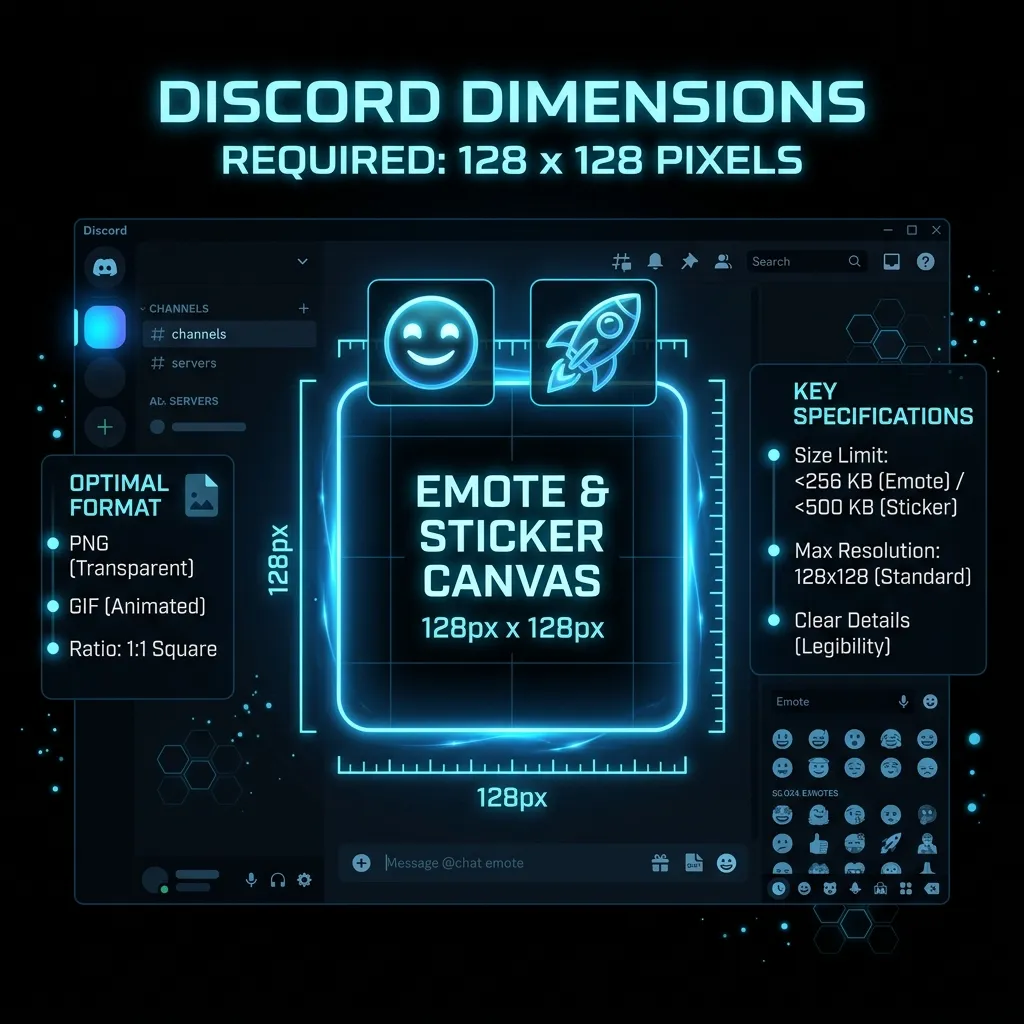
The Importance of 128x128 in Discord
The 128x128 pixel size is the optimal, official output of our Discord Emoji Resizer. This dimension is the exact mathematical sweet spot required by Discord. When a user types an emoji in chat, Discord actually scales the image down visually to 22x22 pixels using CSS.
Why output at 128x128 if it's shown at 22x22? Because modern viewers use iPhones, iPads, and high-density 4K monitors. These screens pack more physical pixels into a small space. By providing a 128x128 image, you give the device plenty of pixel density to draw an incredibly crisp 22x22 representation. Our Discord Emoji Resizer perfectly formats your file to maximize this hardware advantage.
When designing your art, you must keep this extreme reduction in mind. Add exaggerated features, larger cartoon eyes, and thicker black outlines specifically to ensure that when the file passes through the Discord Emoji Resizer and is rendered in chat, it retains its emotional impact and brand recognition.
Server Stickers vs Emojis
Discord also offers "Stickers" for boosted servers. Stickers are rendered much larger in the chat window (up to 320x320 pixels). While our Discord Emoji Resizer is explicitly optimized for the 128x128 emoji slots, the pristine PNG formatting it produces is also an excellent baseline if you choose to upload custom stickers using our other tools.
The Technical Science Behind Our Discord Emoji Resizer Algorithm
Not all image scaling utilities are built the same. When you use massive desktop applications like Adobe Photoshop or basic operating system tools, you are forced to pick a resampling method manually. Our Discord Emoji Resizer completely automates this complex technical step by deploying the optimal algorithm specifically tuned for transparent PNGs on Discord.
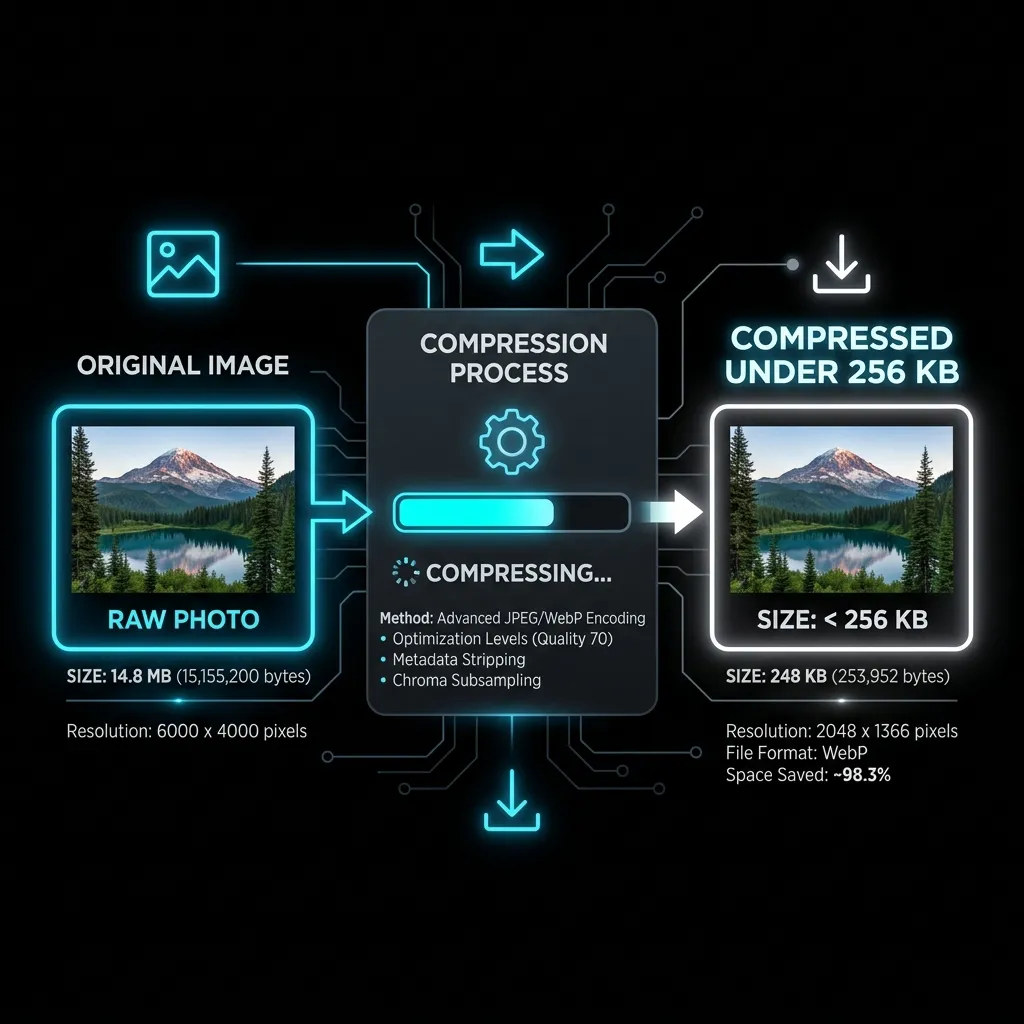
Bilinear vs Bicubic Downsampling
Downscaling an image fundamentally means mathematically throwing away data. If you have a 2000x2000 master illustration, reducing it to 128x128 requires the Discord Emoji Resizer to discard millions of pixels. How the software decides which pixels to keep and which to average out completely determines the visual quality of your final asset.
Our Discord Emoji Resizer uses a highly optimized, browser-native downsampling technique that averages pixel clusters rather than dropping them entirely or blurring them excessively. This guarantees that thin outlines (which are absolutely vital for emote readability) are preserved and not accidentally deleted during the heavy crunch.
Bicubic interpolation, while fantastic for high-resolution landscape photographs, is notoriously poor for graphic art and emojis because it introduces "ringing" artifacts around contrasting borders. By avoiding this flawed logic, our Discord Emoji Resizer ensures your digital drawings remain pristine, sharp, and highly legible.
Client-Side HTML5 Canvas Processing
By running the Discord Emoji Resizer entirely in the browser using the HTML5 Canvas API, we achieve instantaneous, sub-second processing times. There is no waiting in a remote server queue, no uploading massive uncompressed files over slow Wi-Fi connections, and absolutely zero network latency.
You simply drag and drop the file, and your browser's local GPU and graphics engine instantly redraws the image at the exact 128x128 mathematical size required, offering it back to you immediately. This architectural decision makes our Discord Emoji Resizer the fastest, safest, and most reliable utility available on the internet.
Top Errors Server Admins Face Without a Discord Emoji Resizer
If you attempt to rapidly upload a raw file directly to the Discord Server Settings page without passing it through a dedicated Discord Emoji Resizer first, you will almost certainly encounter one of several highly frustrating error messages that halt your community building.
The 256KB File Size Limit
The single most common error encountered on Discord is the strict 256KB maximum file size ceiling for all emoji uploads. If you upload a massive PNG from Photoshop, it will likely be 2MB or 3MB. Discord will reject it outright with a frustrating red error text.
Using the Discord Emoji Resizer to scale the image down to 128x128 practically guarantees the resulting PNG file will be drastically under the 256KB limit—usually around 10KB to 30KB. This makes uploading a breeze.
If you are uploading animated GIFs, the 256KB limit is incredibly hard to meet. In that scenario, after using the resizer, you may need to run the file through a dedicated compression pass. You can easily use our GIF Compressor (which works flawlessly for Discord animations as well) to drop redundant frames and force the file under the strict 256KB ceiling.
The Aspect Ratio Distortion
Discord guidelines dictate that all emojis should ideally be a perfect 1:1 square. If your artwork is exported at a wide rectangular resolution (e.g., a wide text logo), Discord will squash or stretch it to fit their UI box, ruining the image completely.
If you encounter this frustrating roadblock, you do not need to redraw your art. You can simply use our free Aspect Ratio Cropper tool to instantly pad the wide image with transparent space, making the bounding box a perfect mathematical square. After applying the transparent pad, run it through the Discord Emoji Resizer to lock it at exactly 128x128.
How to Brand Your Server Using Our Discord Emoji Resizer
Your emojis are the cultural lifeblood of your Discord server. They become inside jokes, reaction memes, and the primary way users express themselves in text channels. Utilizing a Discord Emoji Resizer effectively ensures that this visual language looks incredibly premium, highly professional, and distinctly branded to your community.
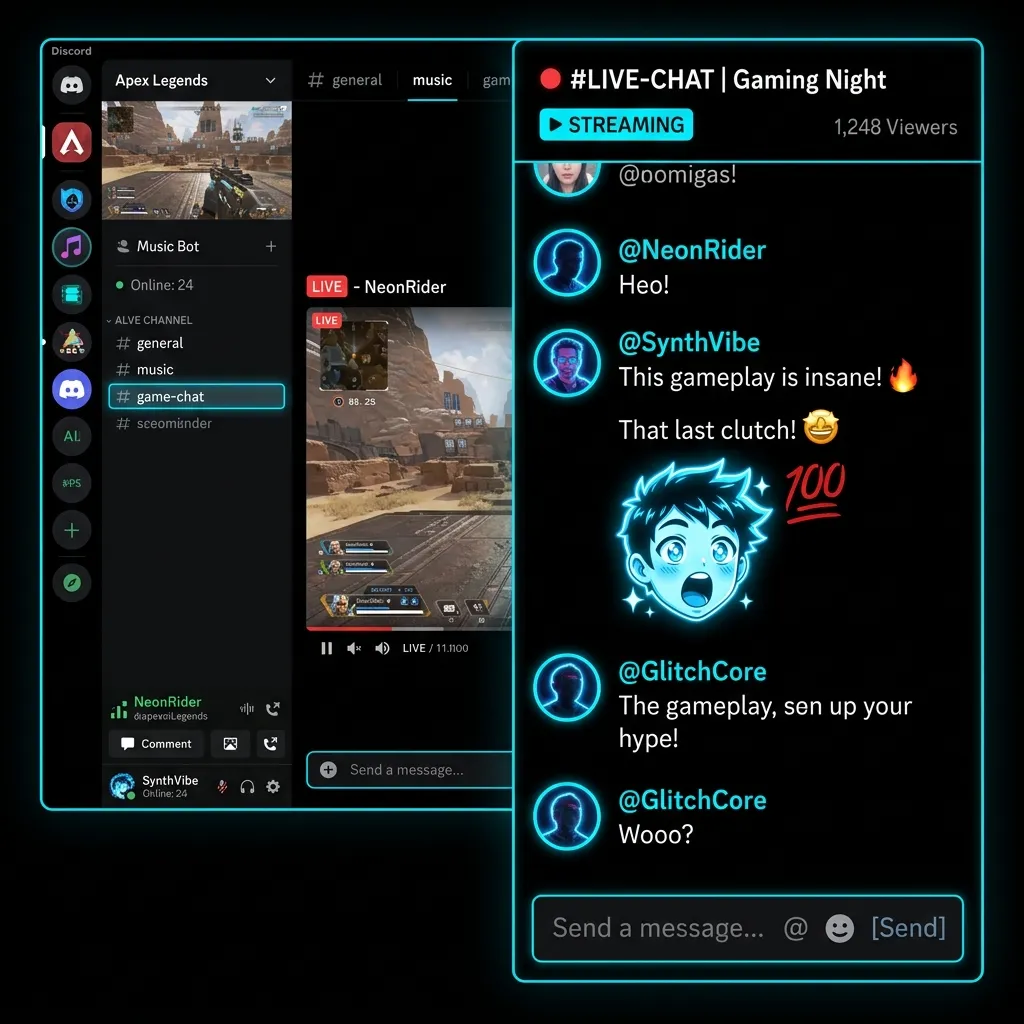
Creating Reaction Emote Packs
As your server levels up via Server Boosts, you unlock vastly more emoji slots (up to 250 for Level 3). You can cleverly use the Discord Emoji Resizer to rapidly generate distinct text reactions ("W", "L", "Banned", "Hype") or color variations of your server mascot.
Dropping dozens of raw images into the Discord Emoji Resizer takes mere seconds and instantly populates your newly unlocked slots with high-value, optimized content that won't hit any file size errors during batch uploads.
Contrast and Readability in Discord Dark Mode
It is an absolute statistical fact that the vast majority of all Discord users operate exclusively in Dark Mode. Discord's interface heavily leans into a specific dark gray/blurple tone (#36393F). If your emote contains heavy dark tones without a defining thick white or neon outline, it will blend completely into the chat background and become utterly invisible to your members.
Before finalizing your assets using the Discord Emoji Resizer, you must always test your core design against a pure #36393F background. If it vanishes or loses detail, add a 2-pixel bright stroke or a subtle drop shadow in your editor before running it through the resizer.
Formatting Requirements for Your Discord Emoji Resizer Uploads
A Discord Emoji Resizer is a powerful tool, but it can only do so much if the initial input file format is completely incorrect. You absolutely must adhere to official platform guidelines and best practices to ensure a smooth, error-free upload process directly to your Server Settings page. For official platform documentation, refer to the Discord Custom Emojis Guide.
PNG vs JPEG formats
You should never, under any circumstances, use the JPEG file format for chat emojis. JPEG absolutely does not support transparency, and worse, it uses a highly destructive lossy compression algorithm that creates incredibly ugly, blocky artifacts around sharp edges and text. Our Discord Emoji Resizer strictly outputs high-quality PNGs for static images to ensure the transparent background remains totally invisible and artifact-free.
Transparency and Advanced Alpha Channels
The invisible, see-through background in your file is technically referred to as an Alpha Channel. Our Discord Emoji Resizer is explicitly programmed to preserve high-fidelity 8-bit alpha channels. This means that even semi-transparent pixels (like a glowing magical effect, a fading drop shadow, or a gradient smoke trail) will render beautifully and realistically in the Discord chat interface without jagged, ugly white outlines ruining the illusion.
Step-by-Step Guide to Using the Discord Emoji Resizer
Using our proprietary Discord Emoji Resizer is incredibly straightforward and built entirely for unprecedented speed. We have intentionally eliminated all the complex, confusing settings found in enterprise software to provide a seamless, magical, idiot-proof one-click experience.
Step 1: Uploading Your Image
Simply drag and drop your high-resolution artwork directly into the Discord Emoji Resizer upload box at the very top of this page. You can use an image of almost any size (2000x2000, 1000x1000, etc.), as long as it is a 1:1 perfect square aspect ratio. We heavily recommend starting with a high-resolution canvas in your drawing software to guarantee maximum detail retention during the scaling process.
Step 2: Instant Client-Side Processing
The exact moment you drop the file, the Discord Emoji Resizer instantly fires up your browser's WebAssembly and Canvas engine and generates the required 128x128 format. Because there is absolutely no server upload involved, this entire computational process takes roughly 50 to 100 milliseconds. It is genuinely faster than opening Photoshop.
Step 3: Downloading Your Asset
Click the download button, and you will immediately receive the perfectly scaled 128x128 pixel version. It is perfectly named, perfectly formatted as a transparent PNG, and completely ready to upload directly to your Discord Server Settings without requiring any further tedious modifications or checks.
Why Professional Community Managers Rely on a Discord Emoji Resizer
If you are a professional community manager handling massive gaming guilds or Web3 Discord servers, manually resizing dozens of memes and emojis every single week is a massive, time-consuming administrative bottleneck. A lightning-fast, web-based Discord Emoji Resizer is a vital, non-negotiable part of a modern professional workflow.
Workflow Automation for High-Volume Admins
Instead of running heavy, sluggish desktop actions or painstakingly manually exporting layers one by one, managers can simply drag their raw memes or logo files into the Discord Emoji Resizer. The tool instantly generates the required deliverable, ensuring the 128x128 standard and 256KB limits are met flawlessly. This simple act saves hours of tedious administrative work every single week, allowing admins to focus strictly on what matters: engaging with their community.
Frequently Asked Questions About the Discord Emoji Resizer
Is the Discord Emoji Resizer completely free to use?
Yes, our Discord Emoji Resizer is 100% free forever. There are absolutely no annoying paywalls, no monthly premium subscriptions required, and we will never, ever add ugly watermarks to your finalized files. It is a utility built entirely for the creator community.
Does the resizer work seamlessly on mobile devices like iPhones?
Absolutely. The Discord Emoji Resizer is engineered with cutting-edge responsive web technologies, meaning you can easily resize, optimize, and export images directly from your iPhone, Android, or iPad. This is particularly invaluable if you save memes to your phone's camera roll and want to upload them directly to your server on the go.
Are my private images stolen, viewed, or saved by corporate servers?
No. Absolute privacy is our core foundational feature. The Discord Emoji Resizer processes your artwork strictly on your local device hardware using your own CPU and RAM. We literally do not possess a backend database or remote server infrastructure to save your files to. Once you close the tab, your data vanishes instantly into the ether. You are completely secure.